Stop babysitting
Claude Code at your desk
Beta · iPhone app by TestFlight invite · Apple Silicon Mac (macOS 14+) · iOS 17+ · No account
It’s waiting for your approval, and you’re not at your desk
Before running commands or making changes, Claude Code often asks for permission or plan approval. If you are away, it just waits — and you come back to find an hour lost.
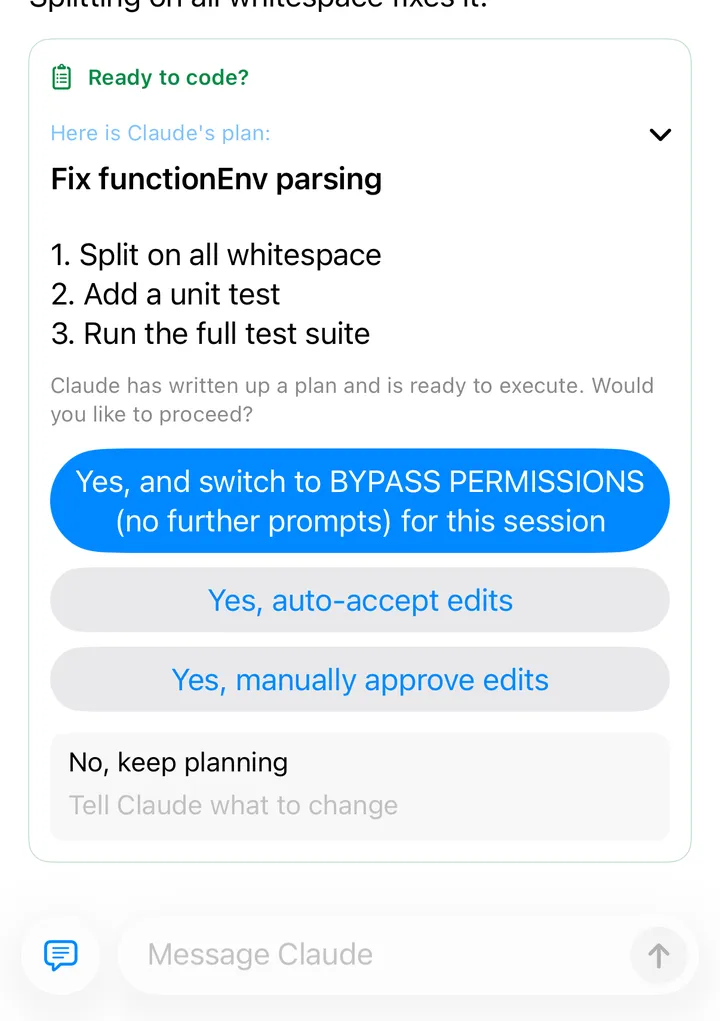
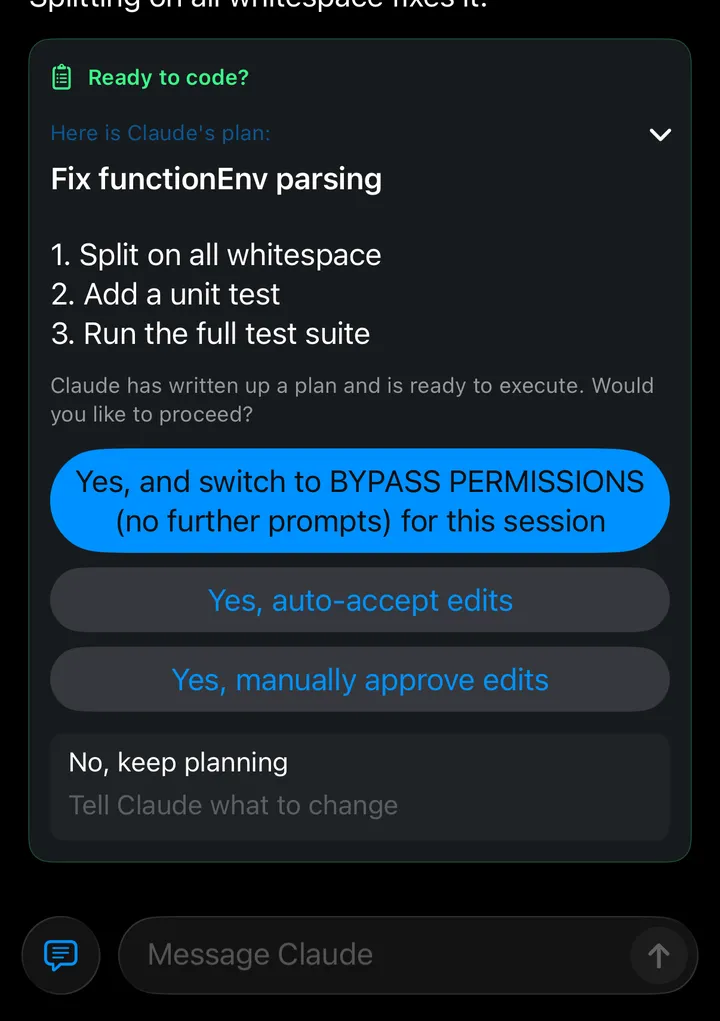
- Approve plans, answer questions and grant permissions from your phone. One tap and the task keeps going.
- See what it’s doing at any time: which files it is editing, which commands it is running. If it heads the wrong way, add a note or stop it.
- The app notifies you when it’s waiting, so you don’t have to keep checking (notifications may arrive a little late while the app is in the background).
Built for the phone, not a terminal squeezed onto it
SSH + tmux on a phone means tiny text and long output you can’t scroll through. When the network drops you have to reconnect, and you can’t tell whether your last command ran.
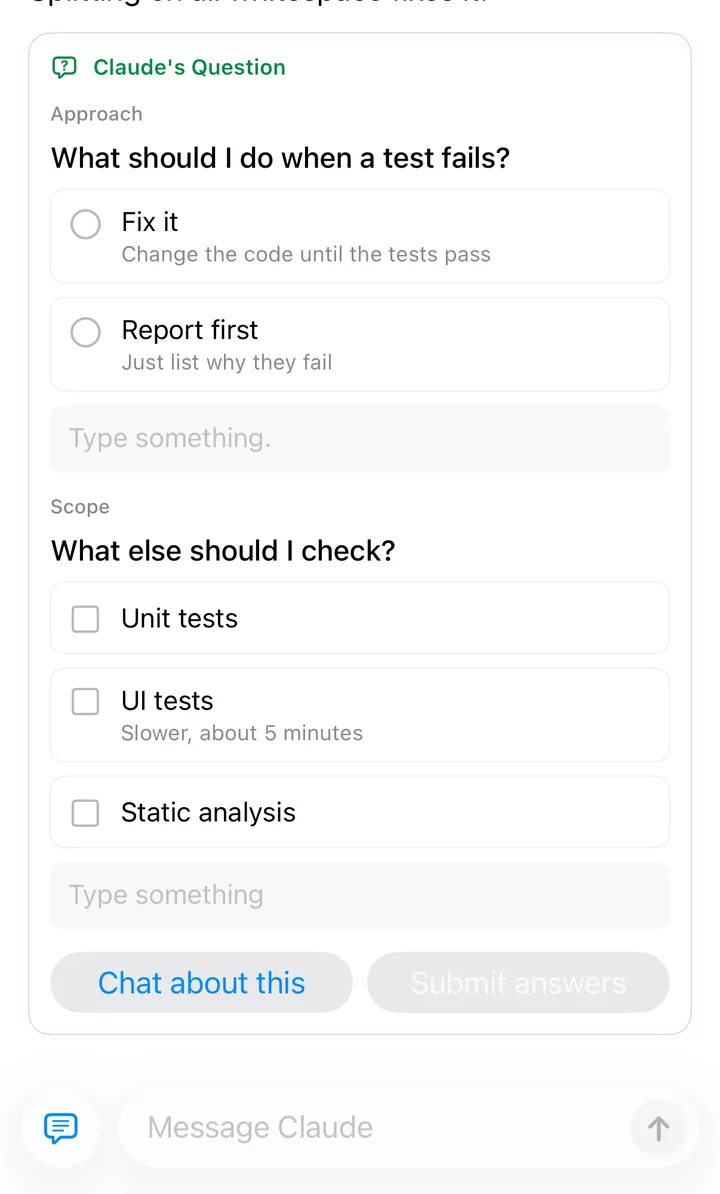
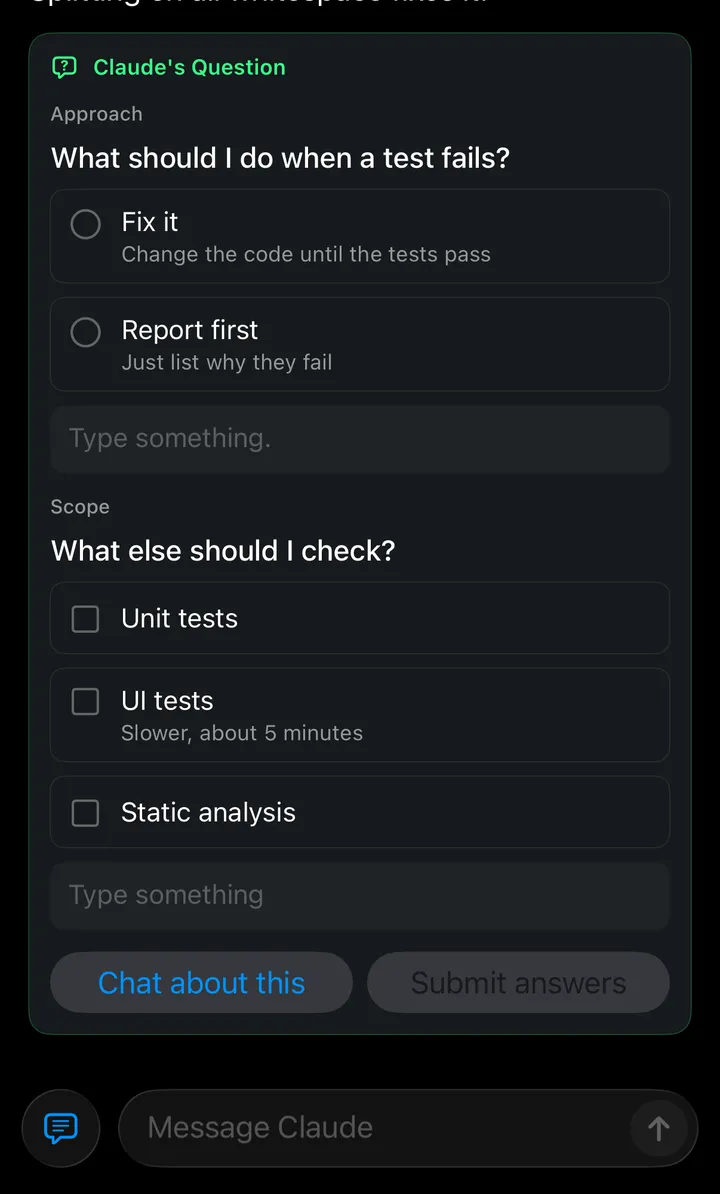
- Follow along like a chat: text, code, tables and tool calls laid out as a conversation. When Claude asks a question, tap an option to answer.
- Fast and light, even on cellular: messages are compressed, then encrypted, to save data. On mobile data your phone works hard to connect directly to your Mac rather than detour through a relay, for lower latency.
- Built for flaky networks: messages sent while offline go out when you reconnect, and each runs exactly once.
No need to expose your Mac to the internet
- No open ports
No port forwarding or tunneling on your Mac.
- Only your phone
Only phones you pair by QR code can connect. Remove one on the Mac and it’s cut off immediately.
- End-to-end encrypted
Nothing passes through Nohup servers, and relays can’t read it.
It can also
- See the results on your phone. Ask Claude to send the reports, screenshots and web pages it makes, and open them with a tap.
- Start at your desk, continue on the go. Sessions started in the Mac terminal can be viewed and continued from your phone.
- All your Macs in one app. Switch between the Macs at home and at work, their projects and git worktrees.
- Up and running in minutes. Pair by QR code, with no account to create.
Getting started
- 1Install on the Mac
Open the DMG, drag Nohup to Applications and open it; the setup assistant ends with a pairing QR code. Nohup runs in the menu bar.
- 2Install on iPhone
Currently in beta and not on the App Store. Install via a TestFlight invite, or build with Xcode following Build from Source. Tap “Scan to Add Mac” and scan the QR code on your Mac.
- 3Start a session
Pick a project on your Mac from your phone, start a session and hand the task to Claude Code.
Install Nohup
Version 0.1.0 (beta) · macOS 14+ (Apple Silicon) · iOS 17+ · Claude Code installed